DankBrief / Tip / Tech & Coding
Access past copied items on Windows
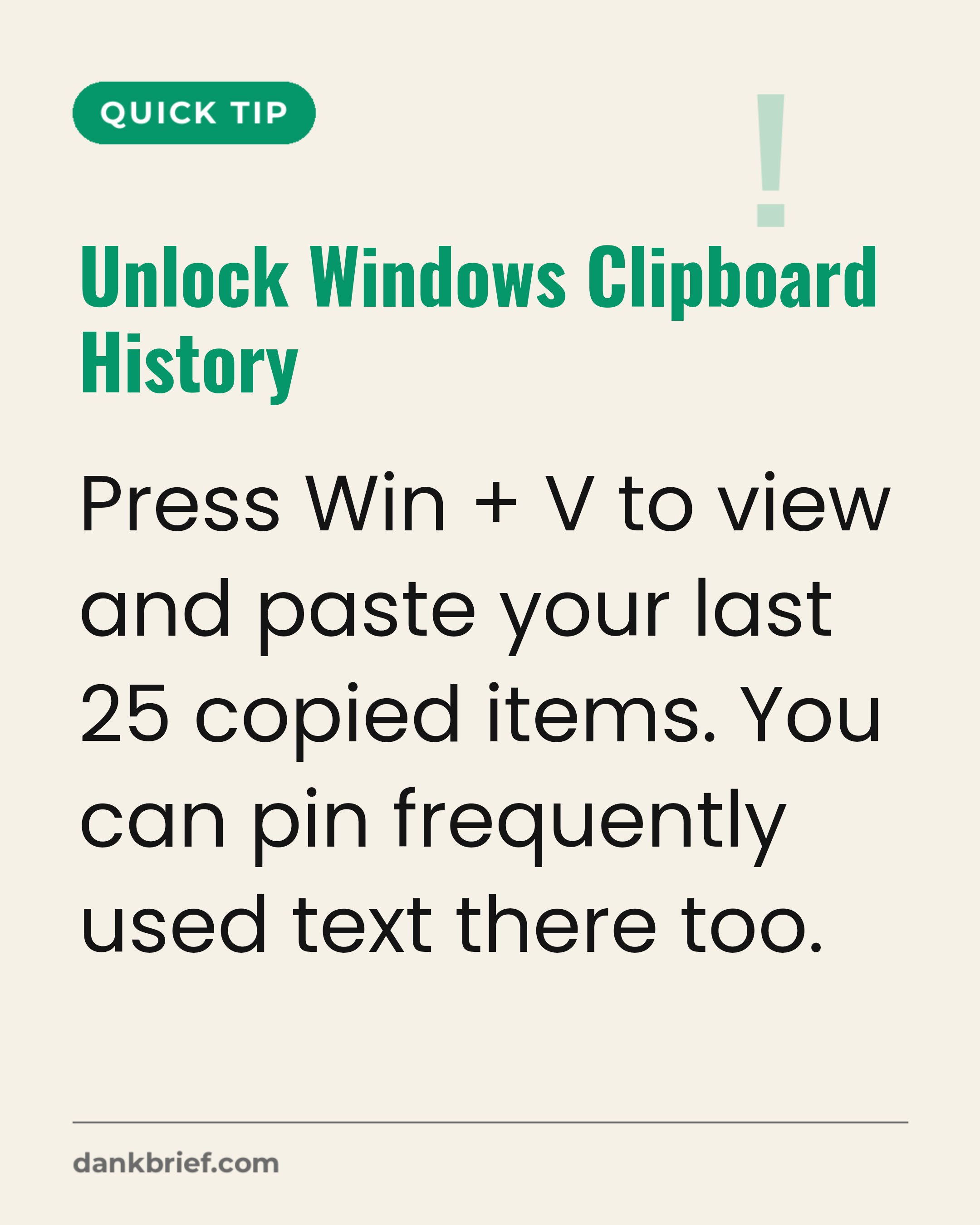
Unlock Windows Clipboard History / Press Win + V to view and paste your last 25 copied items. You can pin frequently used text there too.
Most Windows users only use Ctrl+C and Ctrl+V. Access a built-in clipboard history for all your past copied items.
Topics: Windows memesClipboard memesProductivity memes
More Tech & Coding
- Customer Service AI Handoff Frustration
- Reviewing a coworker's code
- AI Used in $129 Million Heist
- Search specific sites on Google quickly
- Accessing VS Code's hidden powers fast
- Project Deadlines and Developer Sanity Tradeoff
- The ultimate coding frustration
- Artificial intelligence is advanced text prediction
- Developer's disillusionment with tech jargon
- Agile Sprints and Team Standups
- Dark Mode Is Overrated For Coders
- AI Writes Quarter of Production Code