DankBrief / Tip / Tech & Coding
Quick Browser Debugging Without Extensions
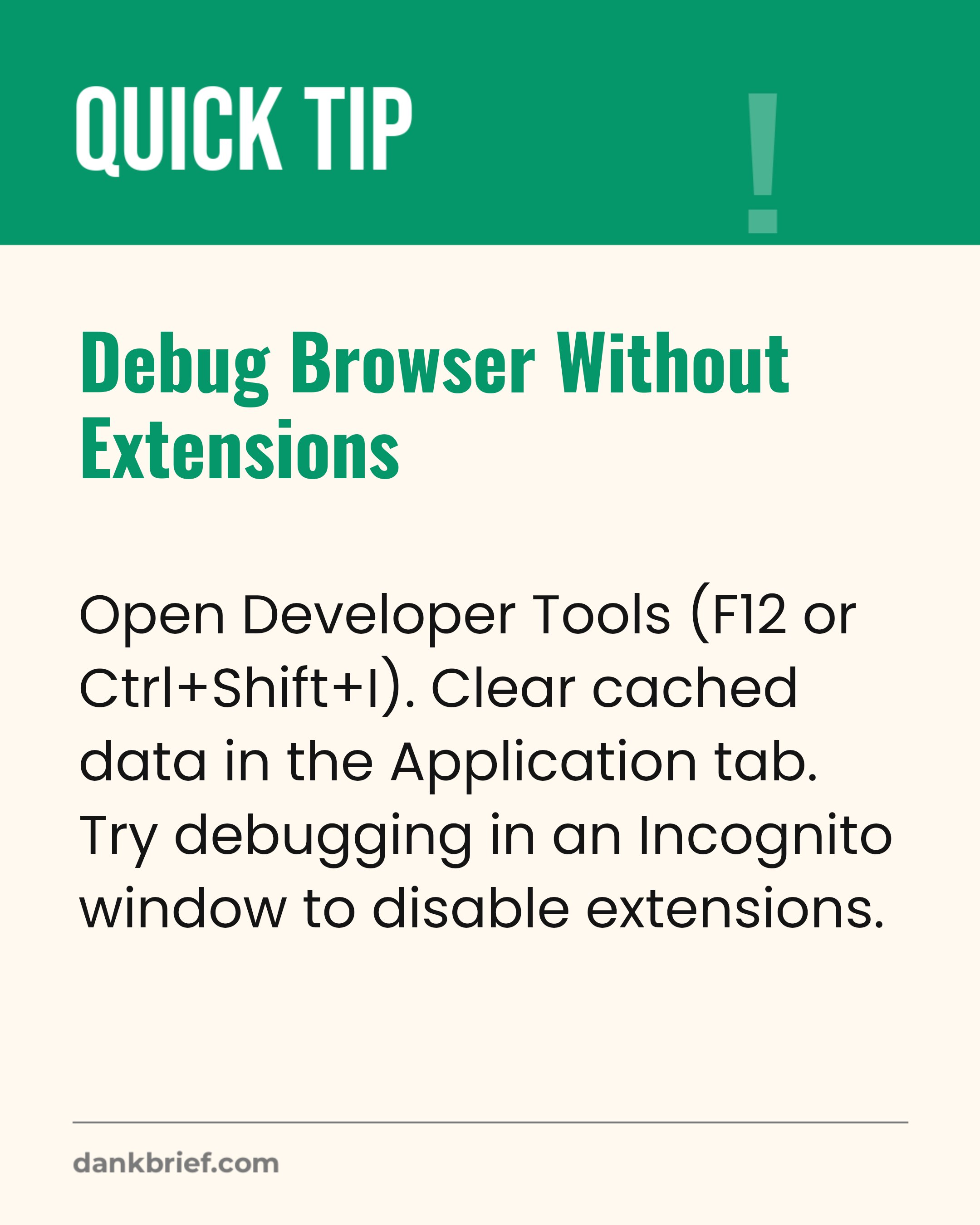
Debug Browser Without Extensions / Open Developer Tools (F12 or Ctrl+Shift+I). Clear cached data in the Application tab. Try debugging in an Incognito window to disable extensions.
Many browser issues can be solved by clearing your cache or disabling extensions. Developer Tools offer powerful features to diagnose problems directly without extra plugins.
Topics: Browser Debugging memesDeveloper Tools memesWeb Development memes
More Tech & Coding
- Force a hard refresh in web browsers
- UFO Sighting Quickly Debunked as AI
- AI solves hard math, makes degrees moot
- Access Emoji Picker on Any Operating System
- Free up iPhone storage without deleting photos
- Instantly Switch Between Apps on Your PC
- The Developer's Favorite Troubleshooting Line
- AI and Misinformation Stress Adults
- My coding bug was a simple typo
- AI boom vs. real-world job security
- Solid-state batteries in mass production
- The Programmer's Quick Fix