DankBrief / Tip / Tech & Coding
Quickly Capture Screenshots on Windows
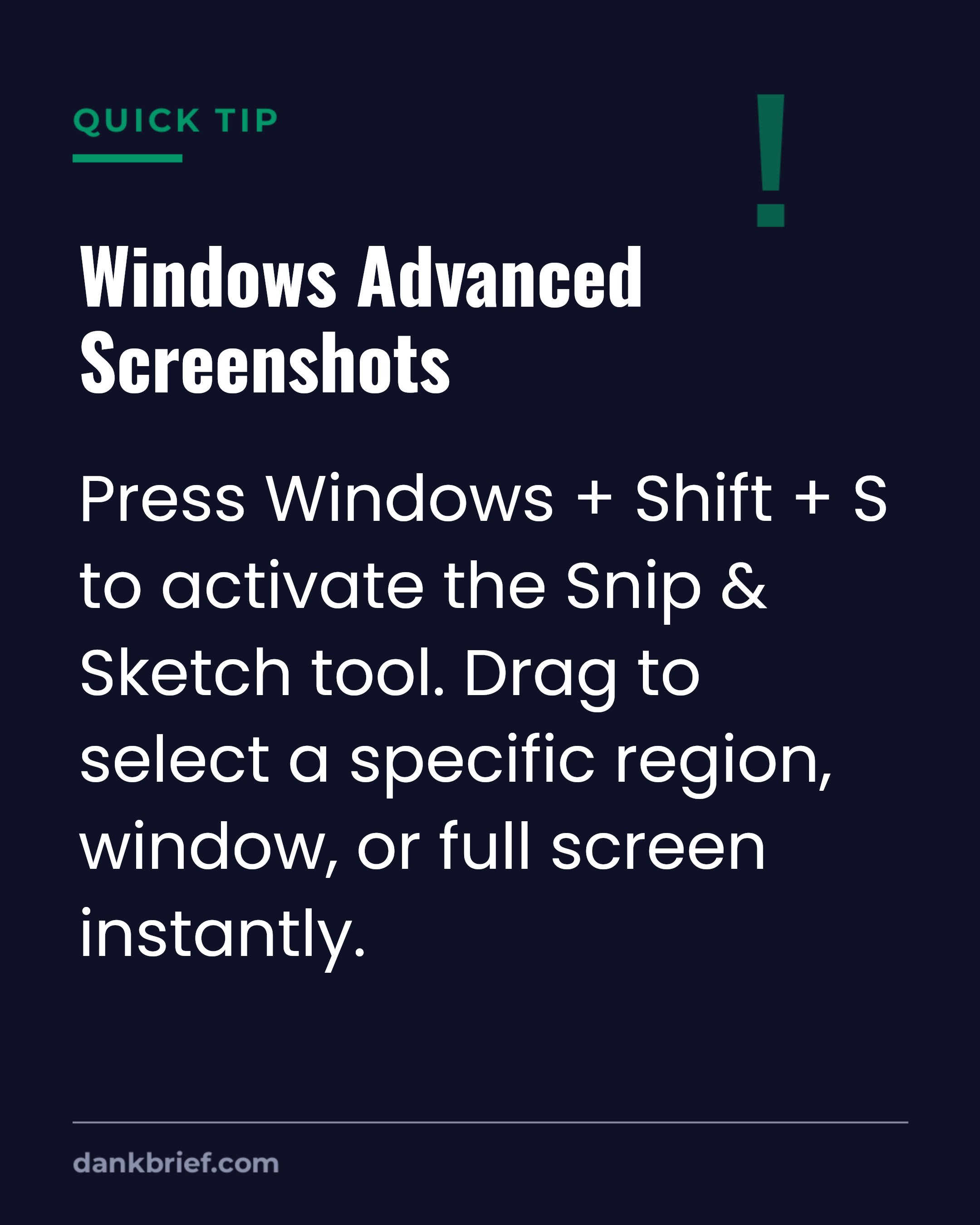
Windows Advanced Screenshots / Press Windows + Shift + S to activate the Snip & Sketch tool. Drag to select a specific region, window, or full screen instantly.
Stop using the old Print Screen key. This built-in Windows tool offers more precise control over your screen captures. It is a faster way to get exactly what you need without extra cropping.
Topics: Windows memesScreenshots memesProductivity memes
More Tech & Coding
- Customer Service AI Handoff Frustration
- Reviewing a coworker's code
- AI Used in $129 Million Heist
- Search specific sites on Google quickly
- Accessing VS Code's hidden powers fast
- Project Deadlines and Developer Sanity Tradeoff
- Access past copied items on Windows
- The ultimate coding frustration
- Artificial intelligence is advanced text prediction
- Developer's disillusionment with tech jargon
- Agile Sprints and Team Standups
- Dark Mode Is Overrated For Coders